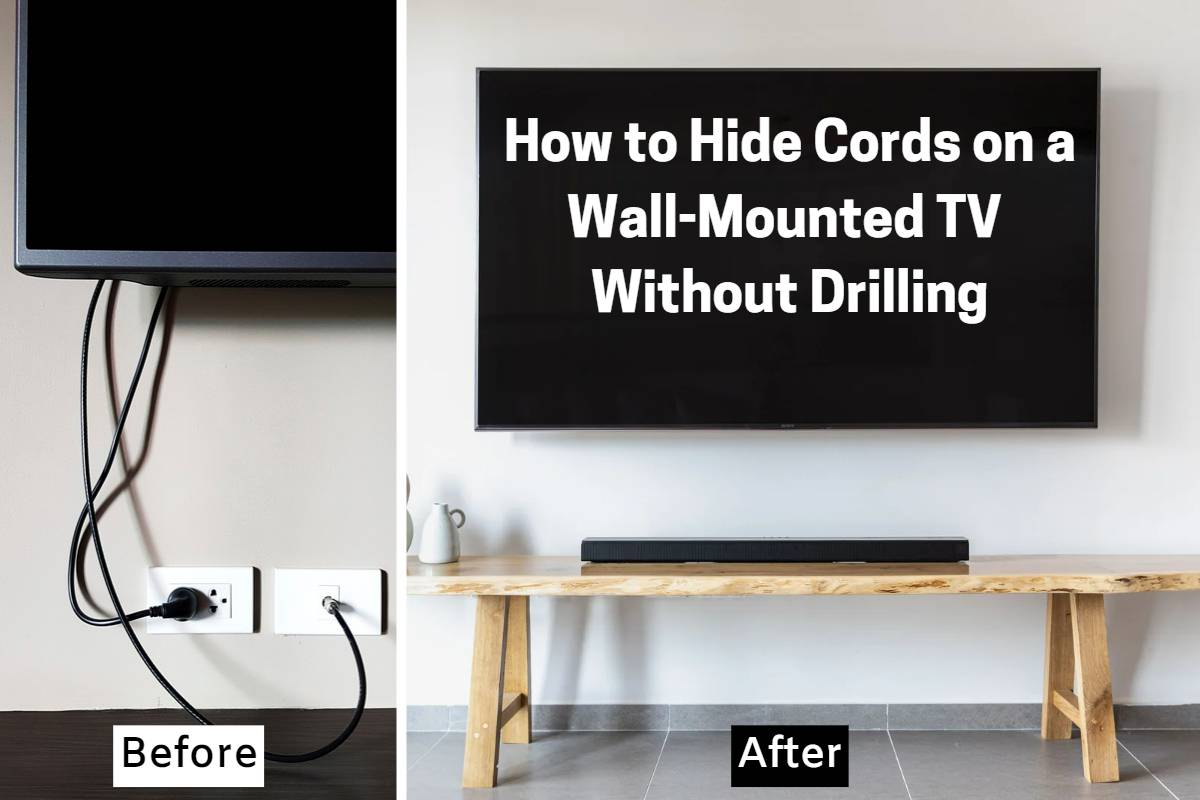
You know that feeling when you finally mount your new flat-screen on the wall? It looks amazing. Sleek. Modern. Like something out of a magazine. Then you step back. And there they are. A tangled mess of black cords snaking down the white paint like ugly vines. It ruins the whole vibe, doesn’t it? You spent hours picking the perfect spot, leveling the bracket, and lifting that heavy screen, only to be defeated by a few feet of HDMI and power cables.
It’s frustrating. But here is the good news. You don’t need to live with it. And you definitely don’t need to hire an expensive electrician to fix it. Whether you own your home or are renting an apartment where drilling holes is strictly forbidden, there is a way to make those wires disappear. This guide walks you through every option, from quick fixes that take ten minutes to permanent solutions that look like magic. Let’s get your living room looking the way it was meant to.
The No-Drill Solutions for Renters and Quick Fixes
If you are renting or just want to avoid making a mess, start here. The biggest myth about hiding TV wires is that you have to cut into drywall. That is simply not true. There are plenty of clever ways to conceal cables without touching a drill bit. One of the most popular methods in 2026 is using adhesive cable raceways. These are plastic channels that stick directly to your wall. You pop the wires inside, snap the cover on, and boom—hidden. You can even paint them to match your wall color so they virtually vanish.
Another great trick is using furniture to do the heavy lifting. If your TV is mounted above a media console or a low bookshelf, you can route the cables behind the furniture. Use zip ties or velcro straps to bundle the cords together and run them down the back leg of the unit. It’s invisible from the front. Some people even use decorative items like tall plants, floor lamps, or a stack of art books to block the view of the wires. It’s not high-tech, but it works wonders if you are creative.
For a slightly more polished look, try cable sleeves. These are flexible tubes that wrap around multiple cords, turning a chaotic bundle into one neat, single line. They come in various colors, including white and black, to blend in with your decor. While they don’t hide the wire completely, they organize it so it looks intentional rather than accidental. It’s a small change, but it makes a huge difference in how clean your space feels.
In-Wall Cable Management Kits for a Pro Finish
If you own your home and want that ultra-clean, built-in look, in-wall cable management is the gold standard. This involves running the cables inside the wall cavity so nothing is visible on the surface. It sounds scary, but modern kits make it surprisingly easy for DIYers. You will need a drywall saw, a stud finder, and a bit of patience. The key is to create two holes: one behind the TV and one near the power outlet or media device below.
Safety is crucial here. You cannot just shove any cable into your walls. Electrical codes require that power cables be rated for in-wall use (look for CL3 or CL2 ratings). Standard HDMI cables are usually fine, but check the jacket. Many kits come with a brush plate or a low-voltage mounting bracket that keeps the wires organized and protected at the entry and exit points. This prevents damage and makes it easier to swap out cables later if you upgrade your tech.
One common mistake is forgetting about the power cord. You can’t legally run a standard power strip cord inside a wall. Instead, use a recessed power kit. These allow you to install a new outlet behind the TV, powered by the existing outlet below via a certified in-wall power extension kit. It keeps everything hidden and up to code. It might take an afternoon, but the result is a floating TV with zero visible wires. It looks professional because it is.
Using Trim, Molding, and Architectural Tricks
Sometimes the best way to hide something is to build around it. If you have older home with character, or if you just love the look of craftsmanship, using trim and molding is a fantastic option. You can install a piece of crown molding or baseboard along the path where the cables run. By leaving a small gap between the molding and the wall, you create a hidden channel for the wires. It adds architectural interest while solving your problem.
Wood panels and wall cladding are also having a major moment in interior design right now. Installing vertical wood slats or a shiplap feature wall behind your TV not only creates a stunning focal point but also provides ample space to route cables behind the boards. You can run the wires vertically between the slats and tuck them away at the top and bottom. It turns a functional necessity into a design feature. Plus, it adds texture and warmth to the room.
If you aren’t ready to commit to full wall paneling, consider a false wall or a shallow cabinet box. This is essentially building a thin frame around the TV area. It pushes the screen forward slightly, creating a deep recess where all your components and wires can hide. It’s a bigger project, sure, but it allows you to integrate lighting, speakers, and storage all in one seamless unit. It’s the ultimate solution for a home theater feel.
Smart Furniture and Media Console Hacks
Not everyone wants to modify their walls. Sometimes the answer is just better furniture. In 2026, media consoles are designed with cable management in mind. Look for units with back panels that have cutouts or grommets. These allow you to pass cables through cleanly without pinching them. Some high-end consoles even have built-in channels inside the legs or the back structure specifically for routing wires from a wall-mounted TV down to the devices inside.
If you already have a console you love, you can modify it. Add a power strip to the back of the unit, mounted securely with screws or heavy-duty adhesive. Plug all your devices into this central hub. Then, use a single, thick cable sleeve to run the main power and HDMI cables from the TV down to this hub. By keeping the connection point hidden inside or behind the furniture, you minimize the visible length of the wires.
Another clever hack is using a floating shelf below the TV. Mount a slim shelf directly under the television. Place your soundbar, gaming console, or streaming box on the shelf. Run the short cables from the TV down to the shelf, where they can be tucked behind the devices or managed with small clips. This breaks the long drop of cables into shorter, more manageable segments that are easier to hide. It also keeps your tech accessible for updates or troubleshooting.
Color Matching and Camouflage Techniques
Let’s be real. Sometimes you can’t hide the wires completely. Maybe you are in a rental with strict rules, or maybe the wall layout makes routing impossible. In these cases, camouflage is your best friend. The goal is to make the wires blend in so well that the eye ignores them. Start by identifying the color of your wall. Is it pure white? Off-white? Gray? Buy cable covers or sleeves that match that exact shade.
Painting is another powerful tool. You can buy plain white plastic raceways and paint them to match your wall color perfectly. Use a small brush and take your time. If you have textured walls, you can even add a bit of joint compound to the raceway before painting to mimic the texture. It’s a bit of extra work, but it makes the cover disappear into the background. Dark walls are even easier; black cables on a dark gray or navy wall are nearly invisible from a distance.
Positioning matters too. Try to route cables along natural lines in the room. Run them parallel to door frames, window trim, or corners. The human eye expects lines in these places, so a cable running along the edge of a door frame is less noticeable than one cutting across the middle of a blank wall. Use clear adhesive clips to keep the wire tight against the trim. The closer it is to the edge, the less it stands out.
Hiding cables isn’t just about what you see today; it’s about making life easier tomorrow. Before you mount your TV or start drilling, take a moment to plan. Sketch out where your TV will go and where your devices are. Measure the distance. Buy cables that are the right length—not too short, which causes tension, and not too long, which creates excess bulk to hide. Extra-long cables are harder to manage and look messy even when bundled.
Label your cables. It sounds boring, but trust me. When you need to troubleshoot a connection two years from now, knowing which HDMI cable goes to the game console and which goes to the Blu-ray player saves hours of frustration. Use simple tag labels or colored tape at both ends. Keep a diagram in a drawer if you have a complex setup. Future you will thank present you.
Finally, leave some slack. Even if you are going for a tight, clean look, ensure there is enough extra cable length to allow for minor adjustments. If you ever need to move the TV slightly or replace a device, you don’t want to be stuck because the wires are pulled taut. A little bit of loose coil hidden behind the TV or in the wall cavity gives you flexibility. It’s the difference between a rigid installation and a user-friendly one.
So, there you have it. Hiding those pesky TV cables doesn’t have to be a nightmare. Whether you choose the quick stick-on raceways, dive into an in-wall project, or get creative with furniture and paint, the goal is the same: a clean, calming space that lets you enjoy your shows without distraction. Pick the method that fits your skills and your living situation. Take your time. And enjoy the view.
[sps_html tag=”img” src=”https://cdn.royslade.com/2026/06/how-to-hide-cords-on-a-wall-mounted-tv-without-drilling-for-mount-tv-on-wall-hide-wires.jpg” alt=”How To Hide Cords On A Wall-Mounted Tv Without Drilling for Mount Tv On Wall Hide Wires” style=”width: 100%; height: auto;”]
[sps_html tag=”img” src=”https://cdn.royslade.com/2026/06/how-to-hide-tv-cables-on-brick-wall-at-charles-waddell-blog-regarding-the-cleanest-ways-to-conceal-cables-behind-a-wall-mounted-tv.jpg” alt=”How To Hide Tv Cables On Brick Wall At Charles Waddell Blog regarding The Cleanest Ways to Conceal Cables Behind a Wall Mounted TV” style=”width: 100%; height: auto;”]
[sps_html tag=”img” src=”https://cdn.royslade.com/2026/06/creative-ways-to-hide-wires-behind-wall-mounted-tvs-in-the-cleanest-ways-to-conceal-cables-behind-a-wall-mounted-tv.jpg” alt=”Creative Ways To Hide Wires Behind Wall-Mounted Tvs in The Cleanest Ways to Conceal Cables Behind a Wall Mounted TV” style=”width: 100%; height: auto;”]
[sps_html tag=”img” src=”https://cdn.royslade.com/2026/06/how-to-hide-cable-wires-for-wall-mounted-tv-intended-for-mount-tv-on-wall-hide-wires.jpg” alt=”How To Hide Cable Wires For Wall Mounted Tv. intended for Mount Tv On Wall Hide Wires” style=”width: 100%; height: auto;”]
[sps_html tag=”img” src=”https://cdn.royslade.com/2026/06/hide-the-cables-behind-a-wall-mounted-tv-regarding-the-cleanest-ways-to-conceal-cables-behind-a-wall-mounted-tv.jpg” alt=”Hide The Cables Behind A Wall Mounted Tv regarding The Cleanest Ways to Conceal Cables Behind a Wall Mounted TV” style=”width: 100%; height: auto;”]