You know that feeling. You walk into a dark room, maybe carrying a bag of groceries or just trying not to trip over the cat, and you tap your phone or shout at the wall. "Lights on." You wait. One second. Two seconds. Maybe three. It’s not a long time in the grand scheme of things, but in that moment, it feels like an eternity. The light finally flickers on, but the magic is gone. You’re left standing there, annoyed, wondering why technology that promises convenience feels so clunky.
It’s 2026, and we’ve been promised the futuristic smart home for over a decade. We have fridges that can order milk and thermostats that learn our schedules. Yet, the most basic function—turning on a light—still trips up millions of people. It’s frustrating because it shouldn’t be hard. A light switch is simple. Up is on, down is off. Instant. Reliable. When we replaced those switches with apps and voice commands, we accidentally added a whole lot of unnecessary baggage.
The good news? That lag isn’t normal. It isn’t something you just have to live with because "smart homes are complicated." It’s a design choice, and more importantly, it’s a fixable one. The culprit is usually hiding in plain sight: the cloud. By moving the brain of your lighting system out of your house and onto a server halfway across the world, manufacturers created a bottleneck. But there’s a better way. It’s called local processing, and it’s the key to getting that snappy, instant response back.
The Invisible Journey of a Command
To understand why your lights are slow, you have to follow the path of a single command. Let’s say you tap "On" in your smartphone app. If your system relies on the cloud, that tiny signal doesn’t go straight to the bulb. First, it travels from your phone to your Wi-Fi router. Then, it shoots out through your modem, across your internet service provider’s network, and onto the broader internet. It might bounce through several servers before it finally reaches the manufacturer’s cloud server, which could be in Virginia, Dublin, or Singapore.
Once the cloud server receives your request, it has to verify who you are, check if you have permission to control that light, and then send a new command back out. This return journey follows the same chaotic path: back through the internet, to your router, and finally to the light bulb. This round trip is what experts call latency. In perfect conditions, it might take 200 to 500 milliseconds. But the internet is rarely perfect. Congestion, distance, and server load can push that delay well over a second.
Think of it like ordering coffee. With local processing, you’re walking up to the counter and handing cash to the barista. You get your coffee immediately. With cloud processing, you’re sending a letter to a headquarters in another country, waiting for them to approve your order, and then waiting for them to mail back instructions to the local shop. It’s inefficient. And when you’re just trying to see where you’re walking, that inefficiency feels like a betrayal.
Cloud vs. Local: The Battle for Speed
For years, the tech industry pushed cloud-based solutions because they were easier to build and manage. Manufacturers didn’t have to worry about updating software on your hub; they could just update it on their end. They could collect data on your habits to sell ads or improve products. But this convenience for the company came at the cost of performance for you. Every single interaction depended on your internet connection being stable and fast.
Local processing flips this model. Instead of sending commands out to the world, the "brain" of your smart home lives right there in your house. This is usually a hub, a bridge, or a powerful smart speaker that stays connected to your local network. When you press a button, the signal goes from your phone to the hub, and the hub talks directly to the light bulb. No internet required. No long-distance travel. The entire conversation happens within the walls of your home.
The difference in speed is night and day. Local commands typically execute in under 100 milliseconds. That’s faster than the human eye can really register as a delay. It feels instant. It feels like a traditional light switch. But speed isn’t the only benefit. Reliability skyrockets. If your internet goes down—and let’s be honest, it happens to everyone eventually—a locally processed smart home keeps working. You can still turn on your lights, run your automations, and feel secure. A cloud-dependent home becomes a brick the moment the Wi-Fi drops.
The Hidden Bottlenecks in Your Network
Sometimes, even if you think you’re set up for success, things still lag. Why? Because your home network is a crowded place. In 2026, the average household has dozens of connected devices. Phones, laptops, tablets, streaming TVs, security cameras, and yes, smart lights. Most of these devices fight for bandwidth on the same Wi-Fi channels. If you’re streaming a 4K movie while someone else is gaming and your smart lights are trying to communicate, traffic jams happen.
Wi-Fi itself is also a bit of a chatterbox. It’s great for moving large amounts of data quickly, like video files, but it’s not always the best for small, frequent signals like "turn on." Wi-Fi signals can interfere with each other, especially in apartments or densely packed neighborhoods. This interference causes packets of data to get lost or delayed, forcing them to be resent. That re-sending process adds more lag. It’s like trying to have a conversation in a noisy restaurant; you keep asking "What?" because you couldn’t hear the first time.
This is why many serious smart home enthusiasts prefer protocols like Zigbee, Z-Wave, or Thread over pure Wi-Fi for lighting. These technologies create their own separate mesh networks. Instead of every bulb talking to the router, they talk to each other and to a central hub. This takes the load off your Wi-Fi and reduces congestion. If one bulb is far from the hub, it can pass the message through a closer bulb. It’s a team effort, and it’s much more efficient than every device shouting at the router at once.
Hardware Matters: Hubs, Bridges, and Bulbs
Not all smart lights are created equal. Some bulbs are designed to connect directly to Wi-Fi, cutting out the middleman but adding all the cloud baggage we talked about. Others require a hub or bridge. In the early days, hubs were seen as an extra hassle—another box to plug in, another device to configure. But today, they’re recognized as essential for a high-performance system. A good hub acts as a translator and a traffic cop, ensuring messages get where they need to go quickly and without error.
If you’re experiencing lag, look at your hardware. Is your hub old? Technology moves fast. A hub from five years ago might struggle to handle the number of devices you have today. Firmware updates matter too. Manufacturers release updates to fix bugs and improve efficiency. If your hub or bulbs are running outdated software, they might be processing commands slower than necessary. Check your app settings and make sure everything is up to date. It’s a simple fix that often gets overlooked.
Also, consider the placement of your devices. A hub tucked away in a metal cabinet or in the basement might have trouble reaching bulbs on the second floor. Signal strength degrades through walls, especially those with metal studs or thick concrete. Moving your hub to a more central location, or adding range extenders (which many smart plugs can do), can dramatically improve response times. It’s not just about having the right gear; it’s about letting that gear do its job effectively.
The Rise of Matter and Local-First Standards
The smart home landscape changed significantly with the introduction of Matter, a universal standard that gained massive traction in the mid-2020s. Matter was built with local processing in mind. Unlike older proprietary systems that forced data through specific clouds, Matter allows devices to communicate locally by default. This means a Matter-certified light bulb can talk to a Matter-certified switch or hub without ever touching the internet. It’s a huge win for consumers who want speed and privacy.
In 2026, most major brands support Matter. This shift has forced companies to rethink their architectures. They can no longer rely on lock-in through cloud dependency. Instead, they compete on hardware quality and local performance. This competition is good for you. It means more options for hubs and controllers that prioritize low latency. It also means that mixing and matching brands is easier, allowing you to build a system that works best for your specific needs rather than being stuck with one ecosystem’s limitations.
However, not all "Matter" devices are purely local. Some still rely on cloud features for advanced analytics or remote access when you’re away from home. It’s important to read the fine print or check reviews to see if a device supports local control for basic functions. Look for terms like "local execution" or "offline capability." The goal is to ensure that the core functionality—turning lights on and off—happens in your home, not on a server farm.
Practical Steps to Eliminate Lag Today
So, how do you fix your laggy lights? Start by auditing your current setup. Identify which devices are cloud-dependent and which are local. If you have Wi-Fi-only bulbs that are slow, consider replacing them with Zigbee, Z-Wave, or Thread bulbs that use a hub. This single change can transform your experience. It might cost a bit more upfront for the hub, but the reliability and speed are worth it. You’ll wonder how you ever lived with the delay.
Next, optimize your network. If you must use Wi-Fi devices, make sure your router is modern and capable of handling multiple connections. Consider setting up a separate guest network or a dedicated IoT (Internet of Things) network for your smart home devices. This isolates them from your heavy-bandwidth activities like streaming and gaming, giving them a clearer path to communicate. It’s like giving your smart lights their own lane on the highway.
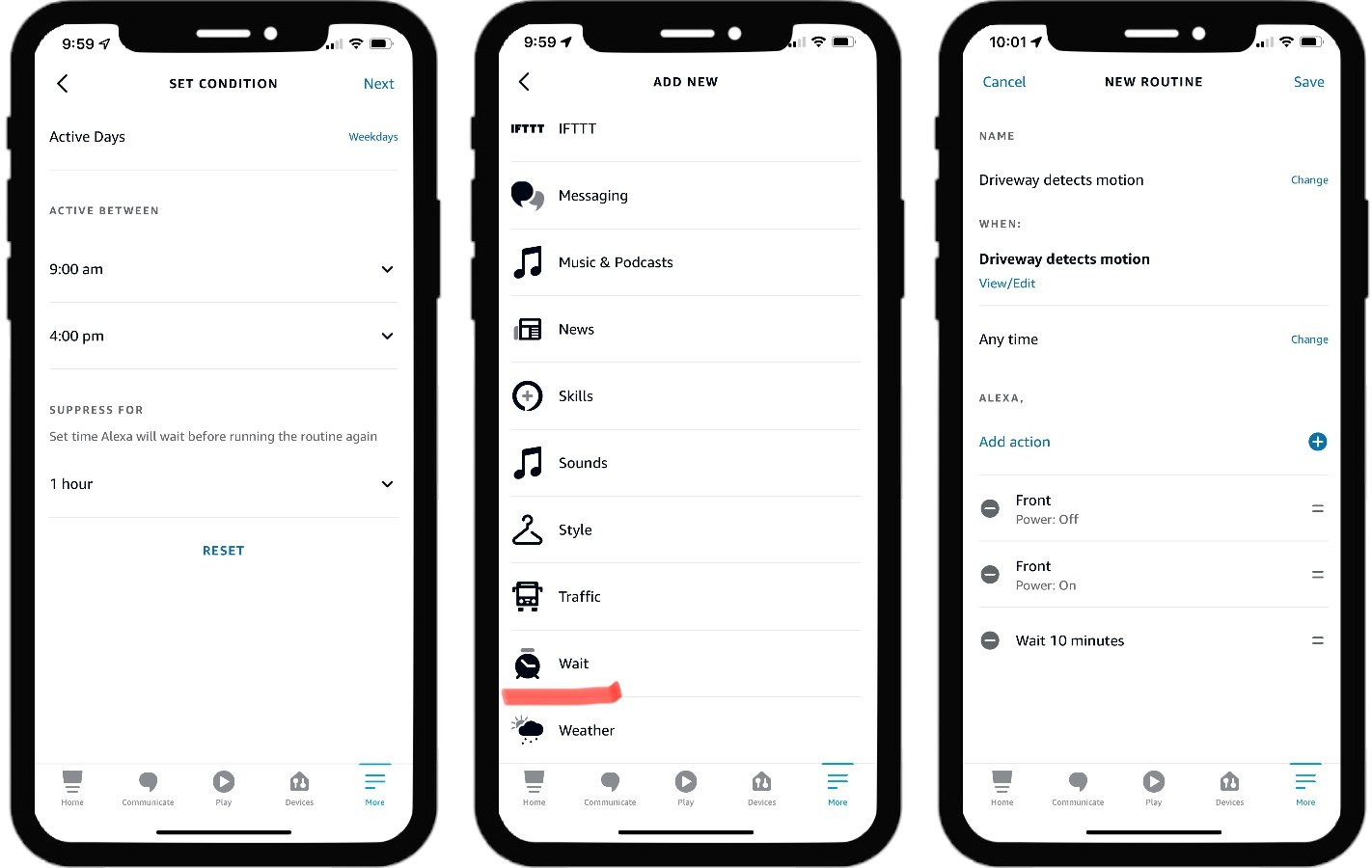
Finally, embrace automation that runs locally. Instead of using cloud-based routines like "If I leave home, turn off lights," use local triggers. Motion sensors connected to a local hub can turn lights on instantly when you enter a room. Physical smart switches that communicate locally with bulbs are also fantastic. They provide the tactile satisfaction of a real switch with the smarts of automation, and they work even if your phone is dead or your internet is down. Take control back from the cloud.
Living with laggy smart lights feels like driving a car with a sticky gas pedal. You press down, and nothing happens for a beat. It’s unsettling. It makes you doubt the technology. But it doesn’t have to be this way. By understanding the hidden journey of your commands and shifting towards local processing, you can reclaim that instant, satisfying snap of a light turning on. It’s not just about convenience; it’s about trust. When your home responds immediately, you forget the technology is there. It just works.
The transition to local-first smart homes is already well underway in 2026. The tools are available, the standards are mature, and the benefits are clear. You don’t need to be a tech wizard to make these changes. You just need to be willing to look beyond the easy, cloud-based defaults and choose the slightly more robust, local alternatives. Your future self, standing in a dark room with full hands, will thank you.
So, take a look at your setup. Ask yourself: where is the brain of my lighting system? If it’s in the cloud, bring it home. Move it to a hub. Switch to a local protocol. Enjoy the speed. Enjoy the reliability. And enjoy the simple pleasure of a light that turns on exactly when you tell it to. No waiting. No wondering. Just light.