Ever stared at a blinking light on a router and wondered what’s actually happening inside that plastic box? It’s easy to take for granted. We plug in a cable, or we connect to Wi-Fi, and suddenly we’re streaming, working, talking. But beneath that seamless experience lies a chaotic, beautiful dance of electrons and logic. Most people think of "the network" as one big cloud. It’s not. It’s a stack. And the bottom two layers? They are the foundation of everything digital we do.
If you’ve ever tried to troubleshoot why your internet is down, you’ve probably heard someone say, "It’s a Layer 1 issue." Or maybe, "Check the Layer 2 config." Sounds like jargon, right? Maybe even a bit intimidating. But here’s the secret: it’s actually pretty simple once you stop thinking about code and start thinking about physics versus rules. Layer 1 is the stuff you can kick. Layer 2 is the stuff that thinks. Well, sort of. Let’s unpack this, because understanding the split between raw organization and actual intelligence changes how you see every connection you make.
The Raw Reality of Layer 1
Layer 1 is the physical layer. It’s the "rocks and blocks" of networking, as some trainers like to call it. Think of it as the highway itself, not the cars driving on it. In 2026, this still means copper wires, fiber optic glass, and radio waves. It doesn’t care what data you’re sending. It doesn’t know if you’re emailing your boss or watching a cat video. It only cares about volts, light pulses, and frequencies.
This layer is purely about organization of the medium. How do we organize the physical space so signals don’t crash into each other? For copper Ethernet, it’s about voltage levels. For fiber, it’s about the wavelength of light. For Wi-Fi, it’s about which slice of the radio spectrum we’re using. There is no addressing here. There is no error checking. If a bit gets flipped because of interference, Layer 1 doesn’t notice. It just pushes the signal out the door. It’s dumb, but it’s fast. And it has to be. Without this raw, unthinking transmission, nothing else happens.
You can see Layer 1 in action when you plug in a cable and the little green light turns on. That light isn’t telling you that you have internet. It’s telling you that there is electrical continuity. The physical path is organized. The circuit is closed. That’s it. It’s the most basic form of connection. If this layer fails, nothing above it matters. You can have the smartest software in the world, but if the wire is cut, you’re offline. It’s harsh, but true.
Where Logic Enters the Chat: Layer 2
Now we step up to Layer 2, the Data Link layer. This is where things get interesting. This is where "intelligence" starts to creep in. If Layer 1 is the highway, Layer 2 is the traffic law. It defines how devices on the same local network talk to each other. It adds structure to the chaos of raw bits. Suddenly, those meaningless pulses from Layer 1 get grouped into frames. And those frames have addresses.
We’re talking about MAC addresses here. Every network card has a unique hardware address burned into it. Layer 2 uses these addresses to make sure data goes to the right device on your local LAN. It’s not routing across the world (that’s Layer 3), it’s just making sure the packet doesn’t go to your printer when it was meant for your laptop. This requires logic. It requires decision-making. The switch looks at the destination MAC address and decides which port to send the frame out of. That’s intelligence.
But it’s limited intelligence. Layer 2 doesn’t know about IP addresses. It doesn’t know about the internet. It only knows about its immediate neighbors. It’s like knowing your next-door neighbor’s name but having no idea who lives in the next city over. This locality is key. It keeps things fast and efficient within a building or a campus. In modern networks, especially with the rise of IoT devices in 2026, Layer 2 efficiency is more critical than ever. Thousands of devices need to chat locally without clogging up the wider network.
The Blurry Line: Ethernet’s Dual Role
Here’s where it gets tricky, and where a lot of people get confused. Ethernet isn’t just one thing. It spans both Layer 1 and Layer 2. When we talk about "Gigabit Ethernet," we’re often mixing physical specs (Layer 1) with framing protocols (Layer 2). This smearing of boundaries is normal in networking. Protocols rarely stay in their neat little boxes.
At Layer 1, Ethernet defines the cable type (Cat5e, Cat6, fiber), the connector (RJ45), and the signaling method (how many volts represent a 1 or a 0). At Layer 2, Ethernet defines the frame structure. It says, "Okay, here’s the preamble, here’s the destination MAC, here’s the source MAC, here’s the data, and here’s the error check." Same name, different jobs. It’s like saying "Ford" refers to both the factory that builds the car and the design of the engine. Context matters.
Why does this distinction matter? Because troubleshooting depends on it. If your link is flapping (going up and down), it’s likely a Layer 1 problem. Bad cable, loose connector, dirty fiber tip. But if you can ping your gateway but not your neighbor, it’s likely a Layer 2 problem. Maybe a VLAN mismatch. Maybe a spanning tree loop. Understanding that Ethernet wears two hats helps you diagnose faster. You stop guessing and start isolating. Is it the pipe? Or is it the rules of the pipe?
Switches vs. Hubs: A Tale of Two Devices
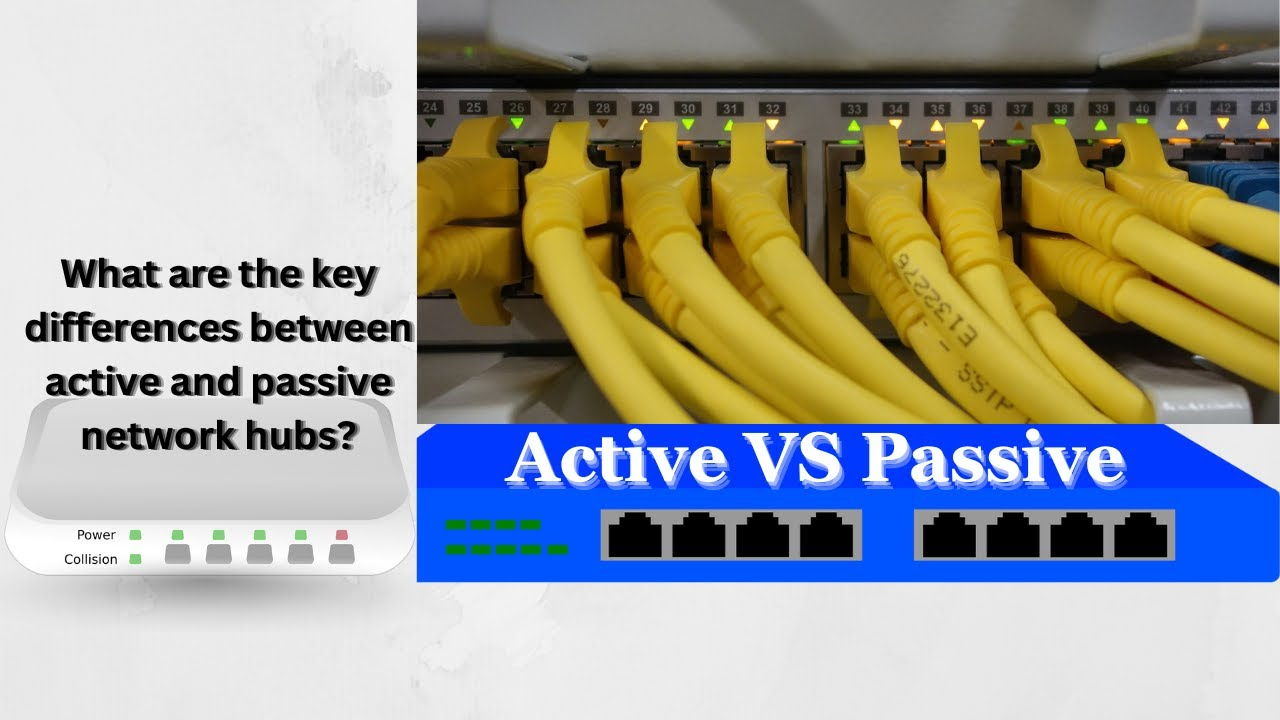
To really feel the difference between L1 organization and L2 intelligence, look at the hardware. Remember hubs? They’re ancient now, mostly extinct in 2026, but they teach us a lot. A hub is a Layer 1 device. It’s dumb. It takes a signal coming in on one port and blasts it out to every other port. No thinking. No filtering. Just pure, organized repetition. It’s efficient for simplicity, but terrible for performance. Everyone hears everyone’s business. It’s a shouting match.
Switches, on the other hand, are Layer 2 devices. They are smart. They build a map. When a frame comes in, the switch looks at the source MAC address and learns, "Oh, Device A is on Port 1." Then it looks at the destination. If it knows where Device B is, it sends the frame only to Port 2. It doesn’t shout. It whispers. This is intelligence. It reduces collisions. It increases security. It makes the network scalable.
The shift from hubs to switches decades ago was the moment networks grew up. Today, even cheap home routers have multi-gig switches built in. We expect that intelligence. We take it for granted. But imagine if your Wi-Fi router acted like a hub. Every time your phone downloaded an update, your smart TV would stutter because it was hearing all that noise. Layer 2 intelligence prevents that chaos. It organizes the conversation so everyone gets a turn to speak without interrupting.
Real World Messiness: When Layers Collide
In the real world, layers don’t always play nice. Take Power over Ethernet (PoE). It’s a Layer 1 feature (sending electricity over data wires) that is negotiated via Layer 2 protocols. The switch (L2) asks the device, "Hey, do you need power?" The device replies, "Yes, I need 15 watts." Then the switch turns on the voltage (L1). It’s a handshake that bridges the gap between physical power and logical request. If you don’t understand both layers, PoE seems like magic. It’s not. It’s just clever engineering.
Then there’s Wi-Fi. Wireless is inherently a Layer 1 medium—radio waves. But Wi-Fi protocols (802.11ax, or Wi-Fi 6/7) are heavily focused on Layer 2 efficiency. They use complex scheduling to avoid collisions since everyone shares the same airwaves. In 2026, with spectrum congestion in apartment buildings, Layer 2 intelligence is doing heavy lifting. It’s deciding who talks when, at what speed, and on which channel. If your Wi-Fi is slow, it’s often not because the signal is weak (L1), but because the coordination is bad (L2).
This collision also happens in virtualization. Virtual switches in cloud environments mimic physical Layer 2 behavior. They create VLANs, tag frames, and manage MAC tables, all in software. But they run on physical servers with physical NICs (Layer 1). When a virtual machine moves from one host to another, the Layer 2 domain has to stretch or break. Understanding where the physical ends and the logical begins is crucial for cloud architects. It’s the same old dance, just on a bigger stage.
Why This Distinction Matters Today
You might be thinking, "I’m not a network engineer. Why should I care?" Fair question. But in 2026, we are all de facto network administrators. We set up smart homes. We manage remote work setups. We deal with Zoom calls dropping. Knowing the difference between L1 and L2 helps you solve problems. If your camera is offline, check the cable (L1). If your computer can’t see the printer, check the network discovery settings (L2/IP). It saves time. It saves frustration.
For professionals, this knowledge is non-negotiable. As networks get faster (100GbE, 400GbE), Layer 1 becomes harder to get right. Signal integrity over copper is a nightmare at those speeds. Fiber alignment is microscopic. But Layer 2 is getting smarter too. With AI-driven networking, switches can now predict traffic patterns and optimize Layer 2 forwarding paths dynamically. The line between static configuration and dynamic intelligence is blurring. But the foundation remains: you need a solid physical path before you can apply intelligent logic.
Ultimately, Layer 1 is about possibility. Layer 2 is about reliability. One gives you the potential to connect; the other ensures the connection means something. They are partners. You can’t have one without the other. Respecting the organization of the physical world and the intelligence of the logical world is the key to mastering any network, big or small. It’s not just tech. It’s philosophy. Order from chaos.
So, next time you plug in a device, take a second to appreciate the two-step process happening. First, the physical layer organizes the electrons, creating a path. Then, the data link layer applies intelligence, giving those electrons direction and purpose. It’s a simple concept, but it powers our entire digital lives. From the humble Ethernet cable to the complex Wi-Fi mesh in your home, this division of labor is everywhere.
Don’t let the jargon scare you. Layer 1 is the body. Layer 2 is the nervous system. One moves, the other directs. When things break, ask yourself: is it a broken bone (L1) or a misfiring nerve (L2)? That simple question will guide you further than you think. Networking isn’t magic. It’s just layers of solutions stacked on top of each other, solving problems one bit at a time.
Keep it simple. Check your cables. Understand your addresses. And remember that even the most complex cloud starts with a single, physical wire. That’s the beauty of it. It’s tangible. It’s real. And now, you know how it works.