Ever walked into a room with your hands full of laundry, only to realize you have to put everything down just to flip a light switch? It’s a small annoyance, sure. But it’s one of those daily friction points that modern tech promises to solve. We’ve all been there. You want the lights to just know you’re there. That’s the dream, right? A home that anticipates your needs without you lifting a finger.
But here’s the thing. Not all motion sensors are created equal. In fact, picking the wrong one can lead to more frustration than the manual switch ever did. I’ve seen people rip out perfectly good switches because they bought a unit that couldn’t handle their LED bulbs, or worse, one that turned off while they were sitting still reading a book. It’s not magic; it’s engineering. And in 2026, the options are vast, confusing, and occasionally brilliant.
So, how do you cut through the noise? What separates a gadget that ends up in the junk drawer from one that becomes an invisible, helpful part of your life? It turns out, the experts aren’t just looking at the price tag. They’re digging into the wiring, the sensor technology, and even the plastic quality of the faceplate. Let’s break down what really matters when you’re trying to automate your lighting without losing your mind.
The Wiring Reality Check: Neutral vs. No-Neutral
Before you even think about sensitivity or range, you have to look inside the wall. This is the unglamorous part that trips up most DIYers. Older homes, built before the mid-90s, often don’t have a neutral wire in the switch box. A neutral wire is usually white and provides a return path for the electricity. Modern smart devices and many motion sensors need this constant power to stay "awake" and listen for movement, even when the lights are off.
If you live in an older house, you might think you’re stuck. You’re not. There are "no-neutral" switches available, but they work differently. They often require a bypass capacitor installed at the light fixture itself to prevent flickering. It’s an extra step. Experts always recommend checking your wiring first. If you see a bundle of white wires tucked deep in the back of the box, you’re in luck. You can choose from a wider range of reliable, stable models like the Lutron Maestro, which is a favorite for its rock-solid performance in single-pole setups.
However, if you don’t have that neutral wire, don’t panic. Just be honest about it when shopping. Look specifically for labels that say "No Neutral Required." Brands like Leviton and others have stepped up their game here. But remember, no-neutral switches can sometimes struggle with very low-wattage LED bulbs, causing them to ghost or flicker. It’s a trade-off. Knowing your wiring situation saves you from buying a beautiful piece of tech that simply won’t install.
Detection Technology: PIR vs. Ultrasonic
Not all motion is created equal. Or rather, not all sensors detect motion the same way. The two main types you’ll encounter are Passive Infrared (PIR) and Ultrasonic. Most standard switches use PIR. These sensors detect heat changes. When you walk into a room, your body heat contrasts with the cooler background, and the sensor trips. It’s great for hallways, bathrooms, and pantries. It’s energy-efficient and cheap.
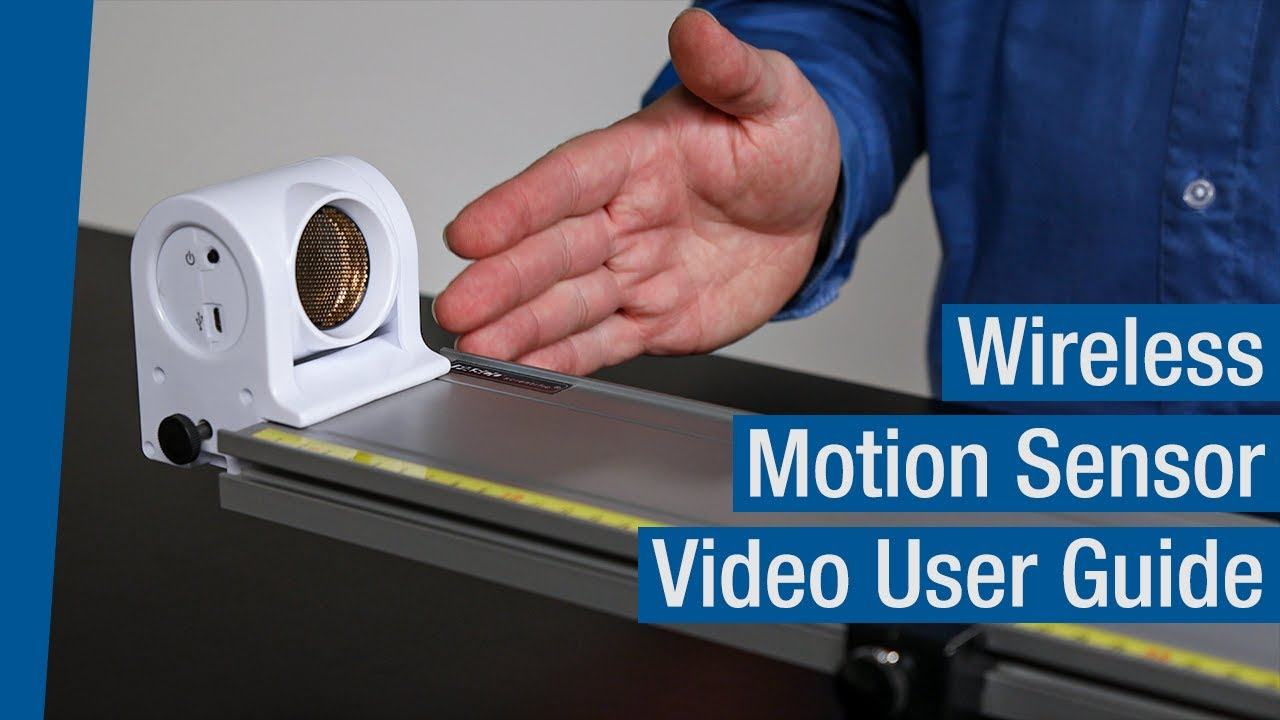
But PIR has a blind spot. Literally. If you sit still for too long, like when you’re working at a desk or reading on the couch, the sensor might think the room is empty and kill the lights. It’s annoying. This is where Ultrasonic sensors come in. They send out high-frequency sound waves (inaudible to humans) and listen for the reflection. If the pattern changes because you moved your hand or shifted in your chair, the lights stay on.
Experts often recommend Ultrasonic for offices, kitchens, or living rooms where people stay stationary for long periods. Some high-end switches in 2026 even combine both technologies, called dual-tech sensors. They use PIR to turn on (saving energy by not reacting to moving curtains) and Ultrasonic to keep the lights on. It’s the best of both worlds, though it comes at a higher price point. Think about the room’s purpose. A closet? PIR is fine. A home office? Spend the extra cash for Ultrasonic or dual-tech.
Load Compatibility and LED Flicker
Here’s a problem that didn’t exist twenty years ago. Back then, we used incandescent bulbs. They were simple resistive loads. Today, we use LEDs. They are efficient, yes, but they are electronically complex. Many motion sensors were designed for the heavy draw of old-school bulbs. When you pair an old-style sensor with a tiny 5-watt LED, the switch doesn’t have enough load to operate correctly.
The result? Flickering. Buzzing. Or the lights refusing to turn off completely. It’s a headache. When experts test switches, like the rigorous load testing seen in recent reviews, they are looking for "LED compatibility" or "low-load stability." You need a switch that specifies a minimum load wattage that matches your bulbs. If your bathroom has four 6-watt LED recessed lights, that’s only 24 watts total. Many switches need at least 25 or 40 watts to function properly.
Always check the spec sheet for the "minimum load." If your total bulb wattage is below that number, you’ll have issues. Some newer switches include a built-in bypass or are specifically engineered for low-wattage LED environments. Don’t guess on this one. Count your bulbs, check their wattage, and match it to the switch’s requirements. It’s the difference between a smooth operation and a strobe-light effect that gives you a migraine.
Coverage Range and Field of View
A sensor is only as good as what it can see. This seems obvious, but placement is critical. Every switch has a specified range, usually measured in feet, and a field of view, measured in degrees. A typical hallway switch might have a 180-degree view and reach 20 feet. That’s plenty for a narrow corridor. But throw that same switch in a large, open-concept living room, and it will miss half the space.
Experts look at the "detection pattern." Some sensors have a wide, shallow arc. Others have a narrow, deep tunnel vision. You need to match the pattern to the room shape. For a long galley kitchen, a narrow, long-range sensor is ideal. For a square powder room, a wide-angle sensor ensures you’re detected whether you’re washing your hands or standing by the door.
Also, consider obstructions. Furniture, tall plants, or even the switch plate itself can block the sensor. Most switches allow you to adjust the sensitivity and the timeout duration. The timeout is how long the lights stay on after the last motion is detected. In a bathroom, you might want 5 minutes. In a closet, 30 seconds is enough. The ability to fine-tune these settings is a hallmark of a quality unit. Cheap switches often have fixed settings that never quite feel right.
Manual Override and User Control
Automation is great until it isn’t. There will be times when you want the lights off, even if you’re moving around. Maybe you’re watching a movie in the living room and don’t want the sensor to blast the lights on every time you shift on the sofa. Or maybe you’re in the bedroom and want total darkness. This is why manual override capability is non-negotiable.
All reputable motion sensor switches allow you to manually turn the lights on and off by pressing the button. But the best ones offer flexible modes. For example, some switches have an "Occupancy" mode (auto-on, auto-off) and a "Vacancy" mode (manual-on, auto-off). Vacancy mode is a secret weapon for energy savings. You turn the lights on when you enter, but they only turn off when you leave. It prevents the lights from flashing on when you just walk past the door to grab a coat.
Look for switches with clear indicator lights or tactile feedback so you know what mode you’re in. In 2026, some advanced models even integrate with smartphone apps, allowing you to set schedules or override settings remotely. But even without Wi-Fi, the physical interface matters. Is the button easy to press? Does it feel cheap? Remember, you’ll still be touching this device. It should feel solid, not flimsy.
Finally, let’s talk about trust. The market is flooded with generic, no-name brands offering cheap solutions. They might work for a month. Or a year. But motion sensors are electronic devices that cycle on and off thousands of times. The internal relays wear out. The capacitors degrade. Buying a cheap switch often means replacing it every couple of years.
Experts lean toward established brands like Lutron, Leviton, and Enbrighten. Why? Because they have decades of data on failure rates. They stand behind their products. A Lutron Maestro, for instance, is often cited as the gold standard for reliability. It’s not always the cheapest, but it rarely fails. When you’re installing a switch inside a wall, you don’t want to tear open the drywall again in six months because the relay stuck.
Consider the warranty, too. A five-year warranty suggests the manufacturer expects the product to last. A one-year warranty suggests they don’t. Also, look for community support. Are there forums where people discuss installation tips for that specific model? Can you easily find replacement parts or compatible accessories? Stick with brands that have a proven track record. It’s an investment in peace of mind. After all, the best technology is the kind you forget is there because it just works.
Choosing the right motion sensor switch isn’t just about saving a few dollars on your electric bill. It’s about creating a home that feels responsive and comfortable. It’s about not fumbling for a switch in the dark with a baby in your arms. By paying attention to the wiring, the sensor type, the load, the coverage, the control options, and the brand, you can find a solution that disappears into the background of your life.
It takes a bit of homework upfront. Sure. You have to peek into your switch box. You have to count your light bulbs. You have to think about how you actually use each room. But that effort pays off every single day. The lights come on when you need them. They go off when you leave. No fuss. No drama. Just light. And honestly, isn’t that what we’re all looking for? A little less friction, and a little more ease.