It’s 7:30 PM on a Tuesday. You’re trying to finish a work email, your teenager is streaming a 4K movie, your youngest is lagging out in an online game, and the smart fridge just disconnected from the network. Sound familiar? It’s chaos. But it doesn’t have to be.
In 2026, the router isn’t just a blinking box in the corner anymore. It’s the traffic cop of your digital life. It decides who gets through, who waits, and who gets blocked entirely. For families, this device is arguably more important than the TV or the gaming console. It’s the gatekeeper.
Choosing the right one feels overwhelming, though. There are acronyms everywhere. Wi-Fi 7? Mesh? BE19000? It’s enough to make your head spin. But you don’t need to be a network engineer to get this right. You just need to know what matters for your specific crew. Let’s cut through the noise and find a router that actually works for your family, not against it.
Why "Fast" Isn’t Enough Anymore
We used to think speed was everything. If the number was big, we were happy. That’s changed. In a house with five people and fifteen devices, raw speed means nothing if the management is poor. You can have a gigabit connection and still suffer from buffering if your router can’t handle the traffic jam.
Think of your internet like a highway. A fast router is a wide highway with many lanes. But if there are no traffic lights or signs, cars crash. Or they all try to squeeze into one lane. That’s what happens when you have too many devices fighting for attention. Modern routers, especially those supporting Wi-Fi 6E and the newer Wi-Fi 7 standards, are designed to manage this congestion. They use something called OFDMA, which sounds technical but basically means it can talk to multiple devices at once instead of one by one.
For a large family, bandwidth is king. You need a router that can prioritize. When Dad is on a Zoom call, that data packet needs to jump the queue ahead of the kids’ Minecraft updates. Recent reviews from sites like Reereviews highlight that high bandwidth capacity is non-negotiable for households with simultaneous heavy users. If you’re still rocking a router from 2022, you’re likely bottlenecking your own potential. It’s not just about downloading files faster; it’s about stability when everyone is online at once.
The Parental Control Reality Check
Here’s the hard truth: most built-in parental controls are mediocre. They’re often clunky, easy for tech-savvy teens to bypass, or limited in what they can actually filter. However, the landscape in 2026 has shifted. Manufacturers are finally listening to parents who want more than just a simple on/off switch for the internet.
When looking at routers, ignore the marketing fluff about "easy setup" and dig into the specifics of the control suite. Can you pause the internet for specific devices? Can you set time limits that actually stick? Can you filter content by category without blocking educational sites? According to HighSpeedInternet.com, the best routers now offer robust, free parental controls that don’t require a monthly subscription. This is a huge deal. You shouldn’t have to pay extra every month just to keep your kids safe online.
But there’s a trade-off. Router-based controls are great for broad strokes—like shutting off Wi-Fi at bedtime for everyone. They aren’t great for nuanced monitoring. They won’t tell you what your child typed in a chat app. For that, you might still need dedicated software on the device itself. Think of the router as the front door lock. It keeps strangers out and controls when the house opens and closes. It doesn’t watch what happens in the bedrooms. Manage your expectations. A good router gives you peace of mind, not total surveillance.
Mesh Systems vs. The Single Beast
Do you live in a small apartment or a sprawling two-story house? This question dictates your hardware choice. In the past, you bought one powerful router and hoped for the best. Today, for most families, a mesh system is the superior choice. Mesh systems use multiple nodes (small satellites) placed around your home to create a seamless blanket of Wi-Fi.
Why does this matter for families? Consistency. With a single router, the signal gets weaker as you move away. Your kid’s tablet might drop connection in the backyard. A mesh system eliminates dead zones. If you have thick walls or multiple floors, a single router, no matter how expensive, will struggle. Tom’s Guide notes that upgrading to a modern mesh setup reduces disconnects significantly. That means fewer tantrums from kids whose games keep freezing and less frustration for you when your video call drops.
However, mesh isn’t always necessary. If you live in a compact space, a high-quality standalone router like the TP-Link AX55 (which boasts a 73% five-star rating from thousands of buyers) might be plenty. It’s cheaper and simpler. But if you’re dealing with interference from neighbors or a large footprint, spend the extra cash on a mesh kit. Just make sure all the nodes support the same standard. Mixing old and new tech can slow the whole system down. It’s like putting a Ferrari engine in a go-kart.
Security Features You Can’t Ignore
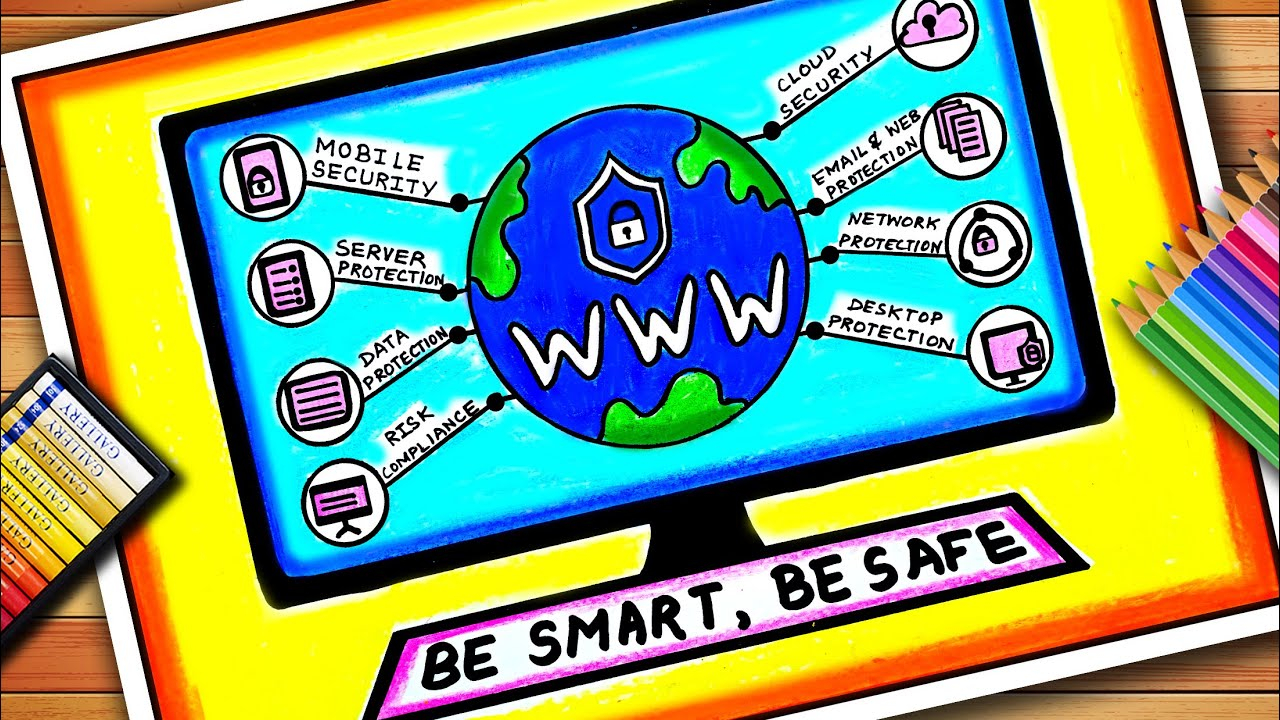
Security sounds boring until you get hacked. In 2026, our homes are filled with smart devices. Cameras, thermostats, fridges, even lightbulbs are connected to your network. Each one is a potential entry point for bad actors. A family-friendly router must have strong, automatic security features. You don’t want to be manually updating firmware every week.
Look for routers that offer automatic security patches and built-in firewalls. Some higher-end models now include AI-driven threat detection that spots unusual activity on your network. If your smart toaster starts sending data to a server in another country, the router should block it. PCMag emphasizes that modern routers are lifelines for both work and personal life, making security paramount. You wouldn’t leave your front door unlocked; don’t leave your digital door open either.
Also, consider guest networks. This is a simple feature that creates a separate Wi-Fi signal for visitors. When your friends come over, they connect to the guest network. This keeps them off your main network where your personal files and smart home devices live. It’s a small step, but it adds a layer of protection. Plus, you can limit the bandwidth on the guest network so your guests don’t hog all your speed while you’re trying to work. It’s polite and practical.
Future-Proofing Your Purchase
Technology moves fast. What’s top-tier today might be obsolete in three years. When buying a router in 2026, you want something that will last. This means looking beyond current needs and anticipating future ones. Wi-Fi 7 is becoming the new standard, offering incredible speeds and lower latency. But do you need it?
If you have a gigabit internet plan and multiple 4K streams, yes. Wi-Fi 7 handles high-density environments better than Wi-Fi 6E. It’s more efficient. However, if your internet plan is slower, say 100-300 Mbps, a Wi-Fi 6 router is still a solid choice and often more affordable. Don’t overspend on specs you won’t use. But do ensure the router has enough Ethernet ports. Wireless is great, but wired connections are still king for stability. Gaming consoles and desktop PCs should ideally be plugged in.
Check the warranty and support life too. Some brands stop releasing security updates after two years. That’s a risk. Look for manufacturers with a track record of long-term support. BroadbandNow’s recent tests show that brands investing in longer software lifecycles provide better value over time. It’s not just about the hardware; it’s about the software that keeps it running safely. A cheap router that becomes insecure in a year is actually more expensive than a pricier one that lasts five.
Buying the router is only half the battle. Setting it up correctly is where most people fail. Don’t just plug it in and walk away. Take ten minutes to configure it properly. First, change the default admin password. This is critical. Default passwords are public knowledge and easy for hackers to guess. Make it strong and unique.
Next, position your router wisely. Don’t hide it in a cabinet or behind the TV. Wi-Fi signals hate metal and thick concrete. Place it in a central, open location. If you have a mesh system, place the nodes where they can "see" each other, not behind obstacles. Use the manufacturer’s app to run a speed test in different rooms. Adjust the placement until you get consistent results.
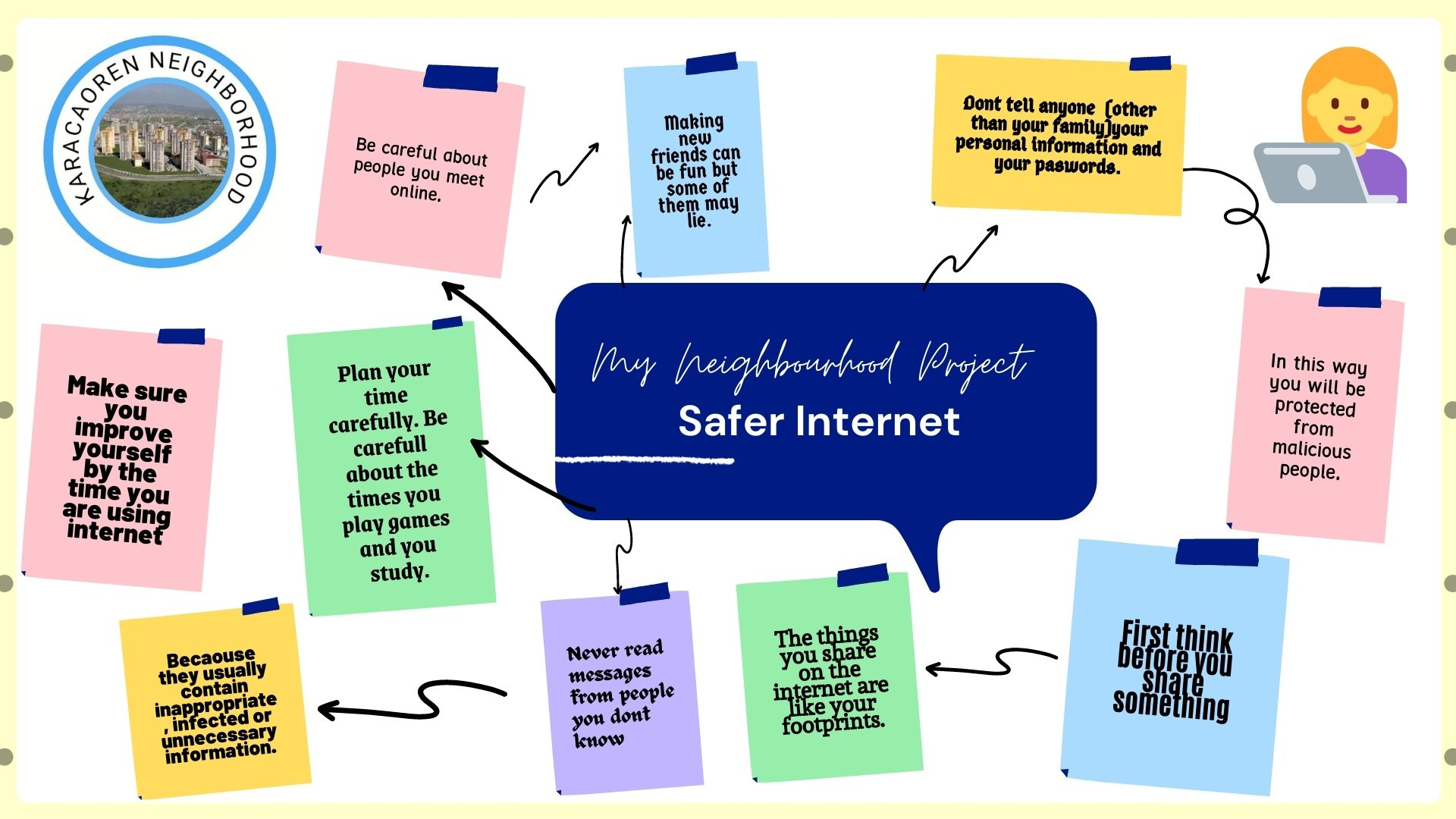
Finally, talk to your family. Explain the rules. If you’ve set up time limits, let them know why. Transparency builds trust. If they understand that the Wi-Fi shuts off at 9 PM to help them sleep better, they’re less likely to resent it. Tech should serve us, not control us. By choosing the right router and setting it up with intention, you create a digital environment that supports your family’s well-being. It’s not just about connectivity; it’s about harmony. And occassionally, you might misspell a word or two, but thats okay.
So, take a breath. You don’t need to be a tech wizard. You just need to be informed. Look for speed that matches your plan, controls that match your values, and coverage that matches your home. In 2026, the right router is out there. It’s waiting to make your life a little bit easier, one stable connection at a time. Go get it.